ControlMi
An iPhone MIDI controller prototype for Ableton Live, with adjustable touch controls and input through tilt or eye movement.
- Contribution
- Interaction design · Prototyping · iOS development
- Technologies
- Swift · SwiftUI · MIDIKit · ARKit · Core Motion
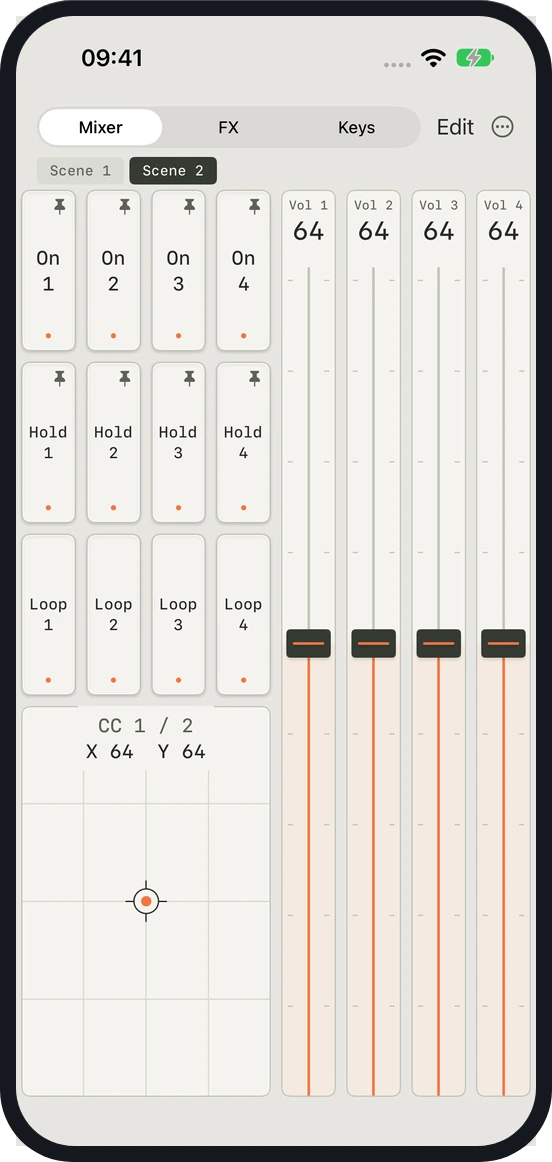
A custom Mixer scene combines trigger pads, faders, and an XY control. 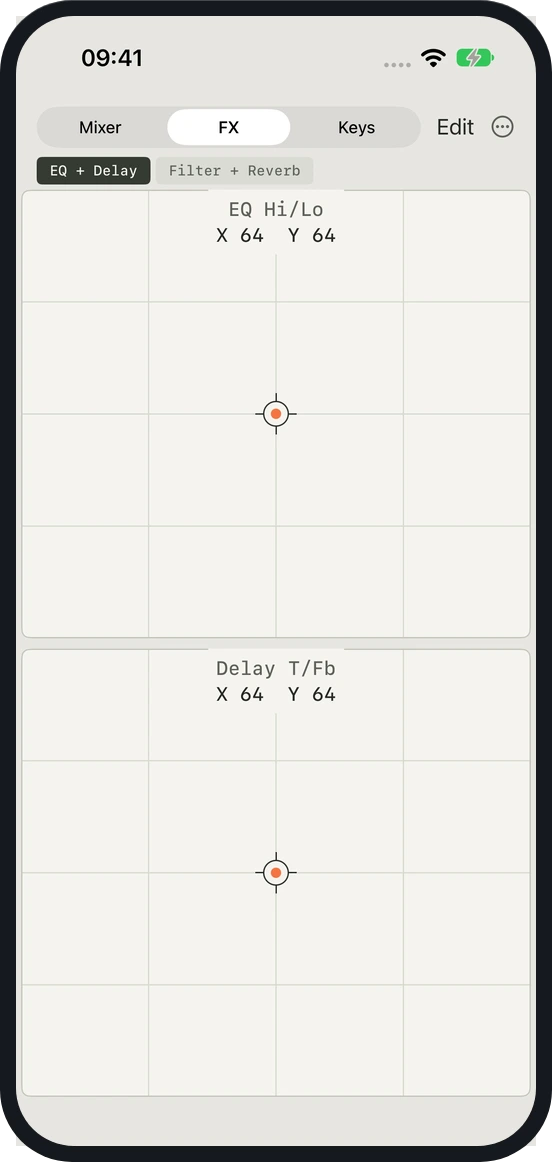
FX: two-axis controls for EQ and delay parameters. 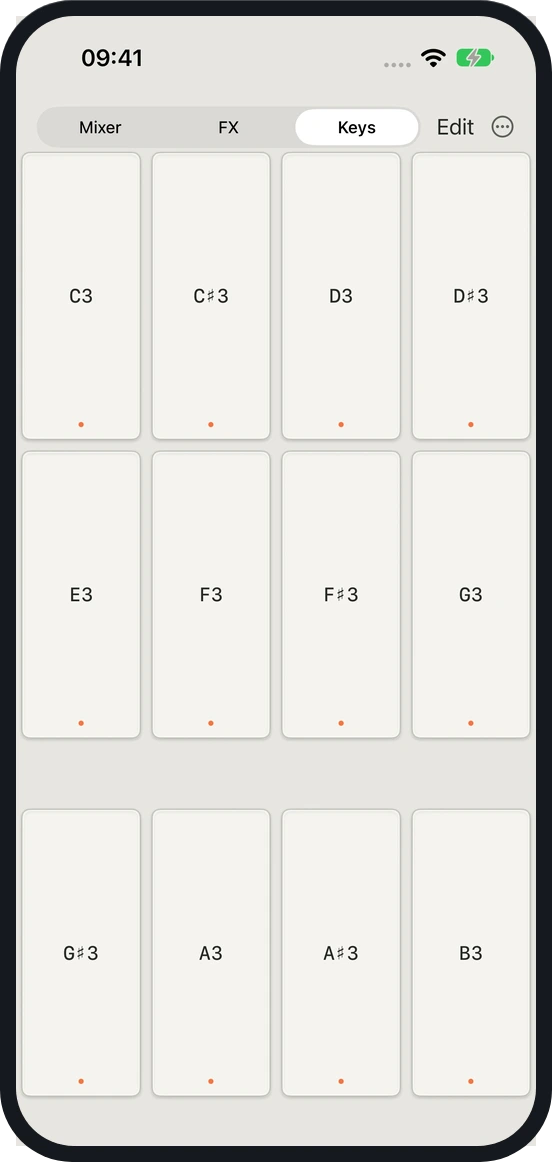
Keys: twelve note pads spanning one octave.
Keep values steady when a finger lands
Small controls can make music software difficult to use when precise touch is a barrier. Workshop requirements shaped an iPhone MIDI prototype with adjustable controls and alternatives to touch.
The prototype includes trigger pads, faders, and two-axis pads. Faders and two-axis pads respond to movement relative to their value at the start of a drag. Touching a control does not cause a sudden jump in value. Trigger pads can send a note while held or toggle it on and off with successive touches.
Adapt the surface to the task
Edit mode lets users move and resize controls. Labels, colors, shapes, and MIDI mappings are editable. Continuous controls also offer adjustable output ranges, direction, and response curves. Scenes switch between whole pages of controls, and layouts are saved on the device.
The controller sends standard MIDI notes and control changes. A USB connection routes them to a Mac, where users assign parameters through Ableton Live’s standard MIDI mapping.
Separate aiming from action
Device tilt and horizontal eye movement can control continuous MIDI parameters. Eye-gaze input offers continuous control or a mode where users choose a value with their gaze and confirm it with a longer blink. In that mode, the value stays fixed between confirmations. Sensor mappings can be set separately for each view.
Eye input requires a device that supports ARKit face tracking. The practical value of these interactions depends on device capabilities and evaluation with intended users. Knob and keyboard controls are still unfinished.